Replace a spreadsheet when keeping it right costs more than a system would, or when one mistake in it could cost you a customer. Most businesses pass that point before they notice.
This guide gives the signs, a way to work out what your sheet costs from your own hours, and a way to switch without stopping work.
Signs You Have Outgrown the Spreadsheet
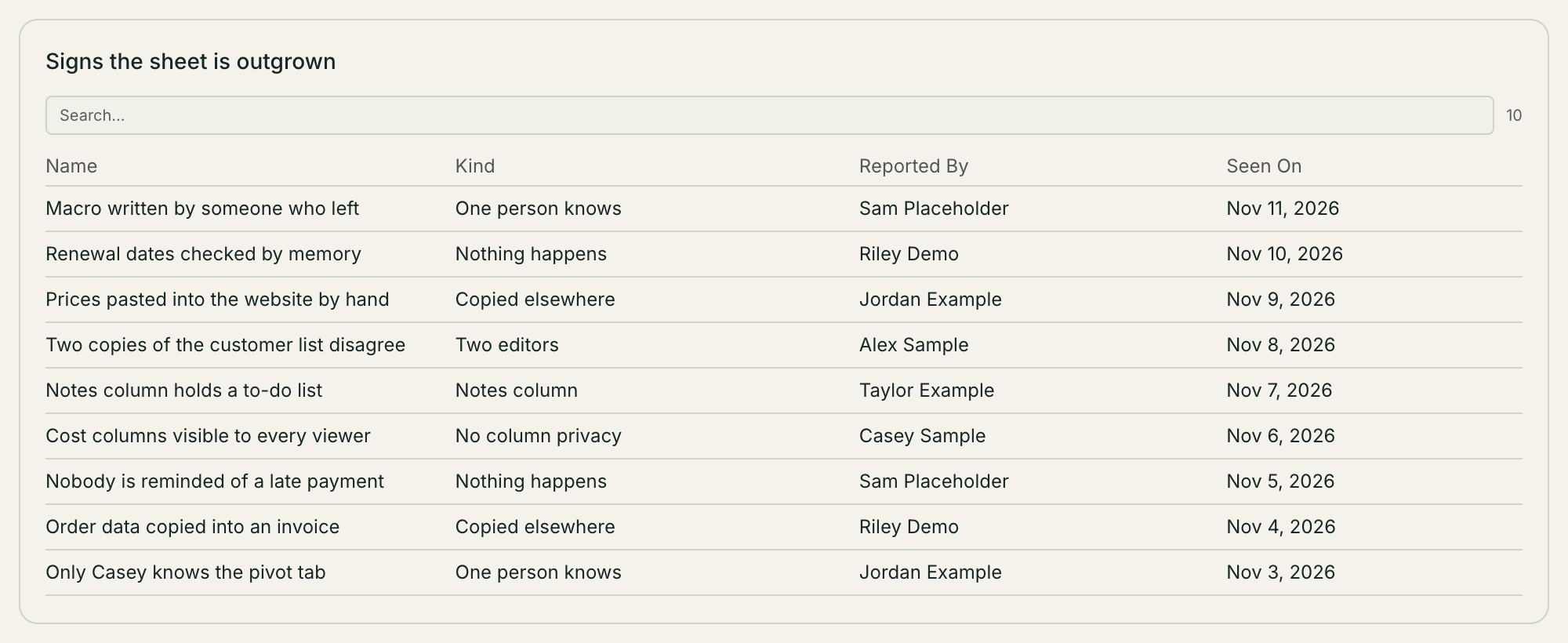
Two or more people edit it, and you have had a fight over which copy is right.
Only one person understands how it works.
You copy the same data into a second place: an invoice, a website, an email.
You want something to happen when a row changes, like a reminder going out.
Some people should see some columns, and you cannot hide them from the rest.
A "notes" column holds what should be its own list.
The number of rows is rarely the reason. The number of people is.
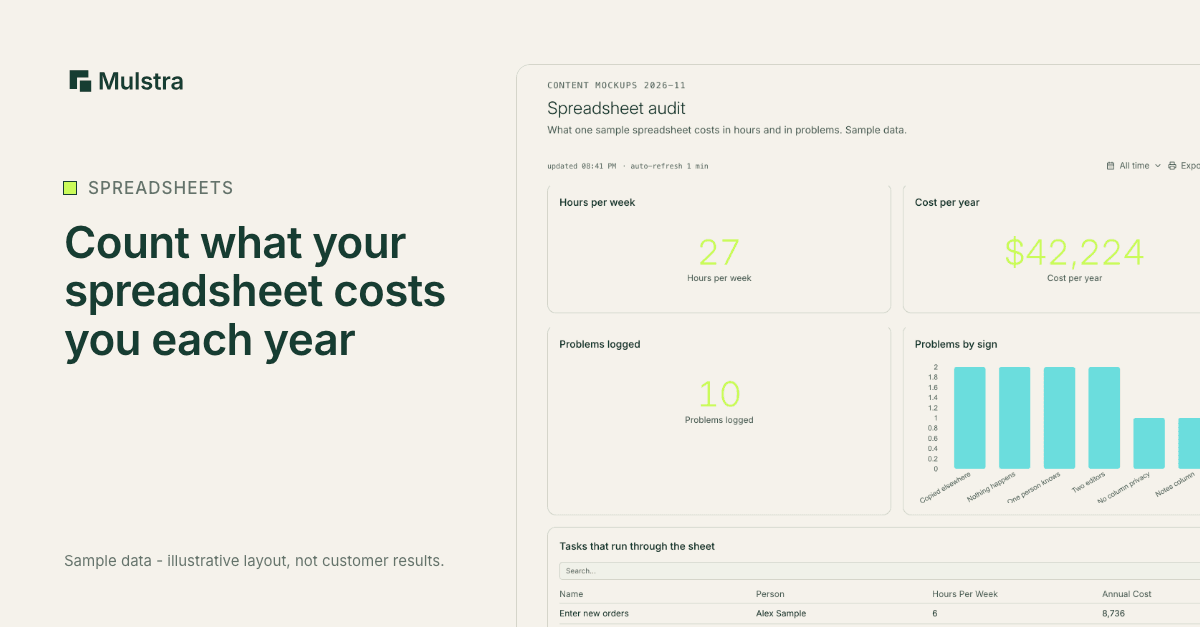
What Your Spreadsheet Costs You Now
Nobody can price this without your numbers, so work it out yourself:
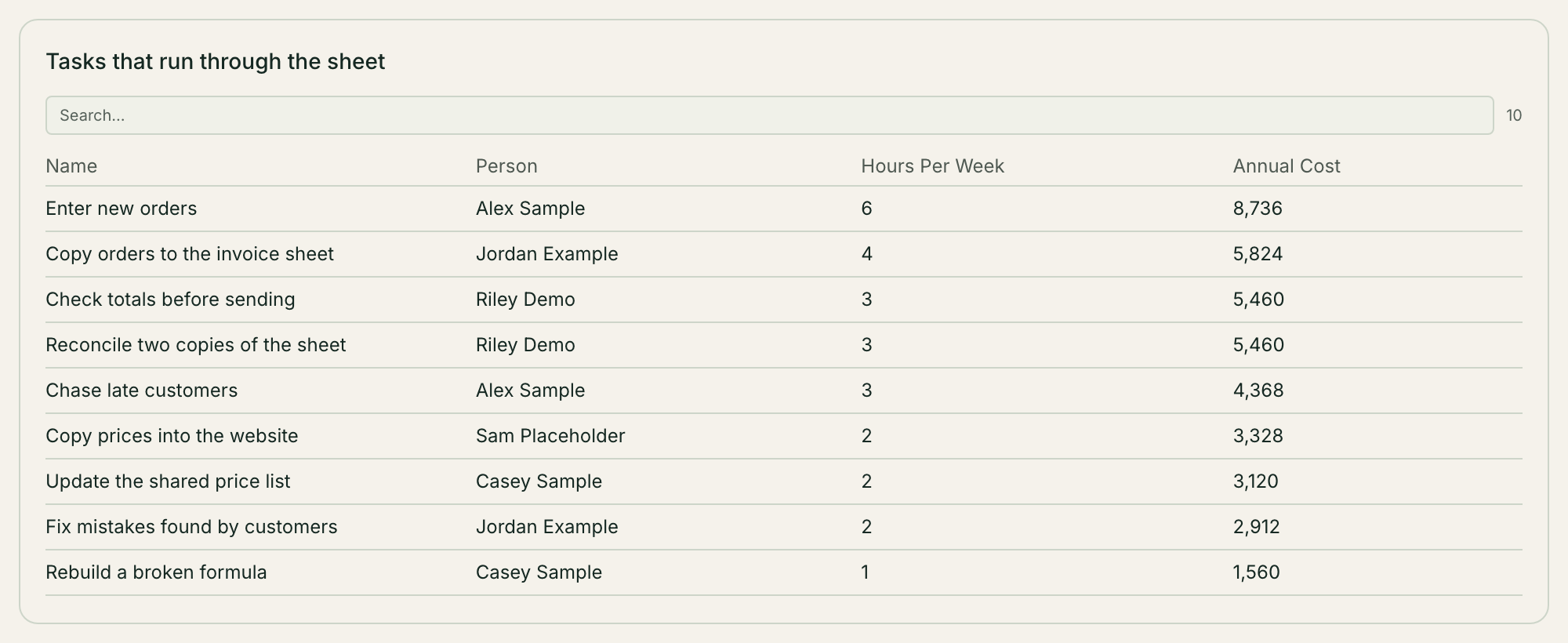
List each task that runs through the sheet: entering, copying, checking, chasing.
Write down the hours per week each one takes, and who does it.
Multiply those hours by what that person's hour costs you, then by 52.
Add what the last mistake in the sheet cost: a missed invoice, a double booking, a lost lead.
That total is what you already pay to keep the spreadsheet. Compare any system against it, not against zero.
What a System Costs
Any system has three costs: the price, the setup time, and the time it takes your team to learn it. Ask for all three.
Mulstra has no price list. We do not set a price before we understand your business. After the diagnosis, we talk through what we would build and what it would take, before anything starts. A pilot is one job, one owner and one measure for six weeks, with one hour together each week.
What Changes When It Becomes One Workspace
Each tab becomes a kind of record with its own fields, and links between records replace lookups. A customer has many jobs; a job has many invoices.
People fill in forms instead of typing into cells, and each form creates a record.
Workflows run when a record is created or changed, or on a schedule. They send the reminder, create the next record or write the PDF.
A website built on the workspace reads the same records, so a price changed once is changed everywhere.
Roles decide who can see and edit each kind of record.
How to Switch Without Stopping Work
Start with the one spreadsheet that causes the most pain.
Import it from a CSV file. One import holds up to 5,000 rows, so split a bigger file.
Run the old sheet and the new workspace side by side for a short, set period, and compare them each day.
Pick a date to stop editing the sheet, and tell everyone.
Move the next sheet only once the first one has settled.
Can You Get Your Data Back Out?
Ask this of any system before you move in. In Mulstra you can download dashboard data as a CSV file, and an admin can create an API key to read every record through the workspace's API.
Book a Free Diagnosis
If a spreadsheet runs a real part of your business, a Strategist will meet you, in person in Charleston or on a 20-minute call anywhere else, map how work moves through it today, and show you what we would build around the tools you already pay for. The diagnosis is free.
- Trigger: You book a free diagnosis
- Action: A Strategist maps how work moves
- Action: They show what we would build
- Action: We talk through what it would take
- Result: Nothing starts before that conversation