What Is the Hard Part of Quoting From an Emailed Request?
The lines that do not match. A request that says "the usual grey gloves, and two of the part Dana mentioned" is easy for a rep who knows the account and impossible for software that guesses. The risk in automating quotes is not slow drafts. It is a confident draft with a wrong part on it, so the design that matters is what happens at the line nobody can match.
What Did the Latest Published Design Do About It?
Distribution Strategy Group reported on November 19, 2026 that Modern Industrials, an AI software startup, announced a seed round for quoting and order entry software aimed at industrial and building materials distributors and manufacturers. According to the company's product documentation, it reads purchase orders and quote requests, matches line items to the distributor's catalog and applies that distributor's pricing, freight and inventory rules.
Two details carry the lesson. It drafts the quote, and it flags the items it cannot confidently match so employees can review them. Sales reps check the drafts before they are submitted. The article is mainly a funding announcement and gives no results, so we take the design from it and nothing else.
Can a 50 Person Distributor Build the Safeguard Without Engineers?
Yes, the pattern is small. A person owns the quote, the AI reads and drafts, and every doubt becomes a visible question. A diagnosis starts with four checks:
Where do requests arrive? Email, a portal, a phone message. Every channel that is not captured is a request that can be lost.
Is your item list readable? Part numbers, descriptions and the names customers actually use. The draft is only as good as this list.
Who sets the price? A person. The draft never does.
Who answers the questions? Each flagged line needs an owner, or it waits in an inbox.
What Does This Look Like in Mulstra?
Here is the same setup, built in Mulstra with sample data.
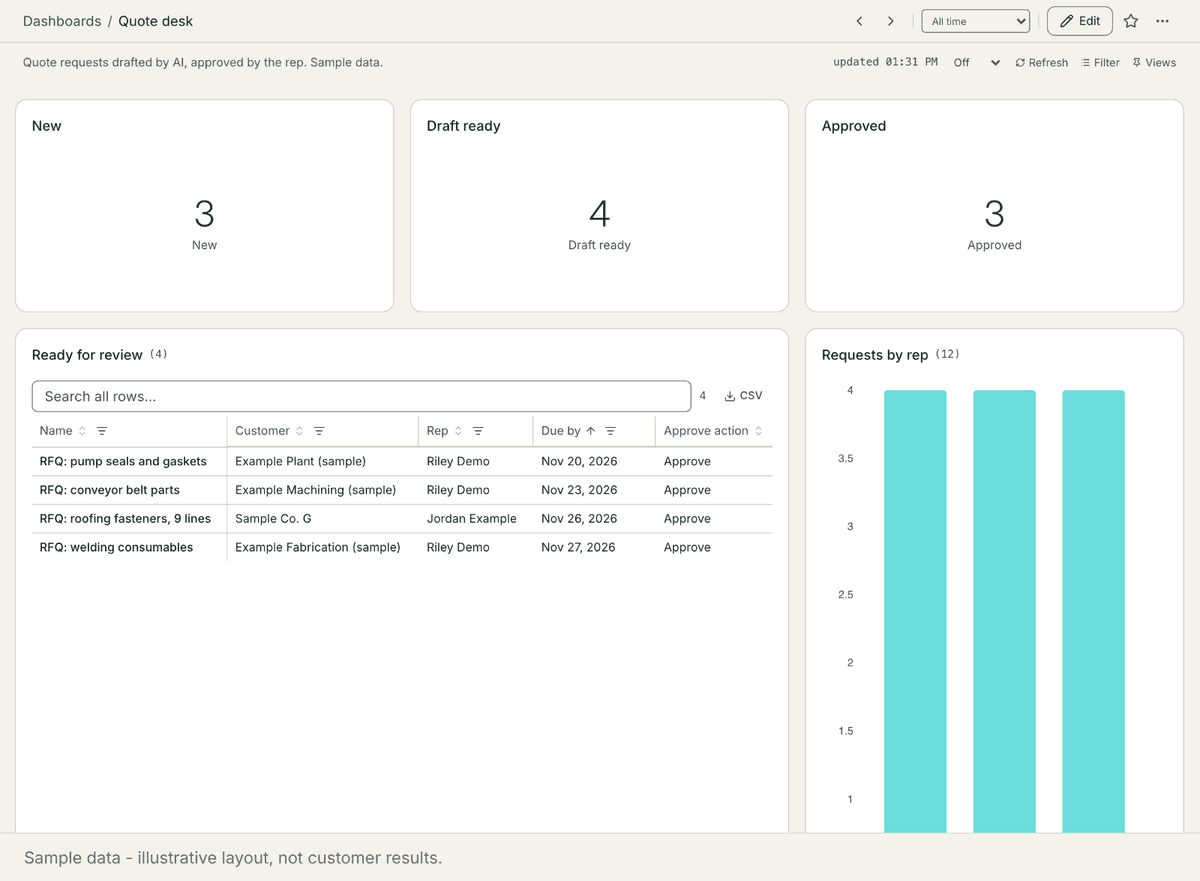
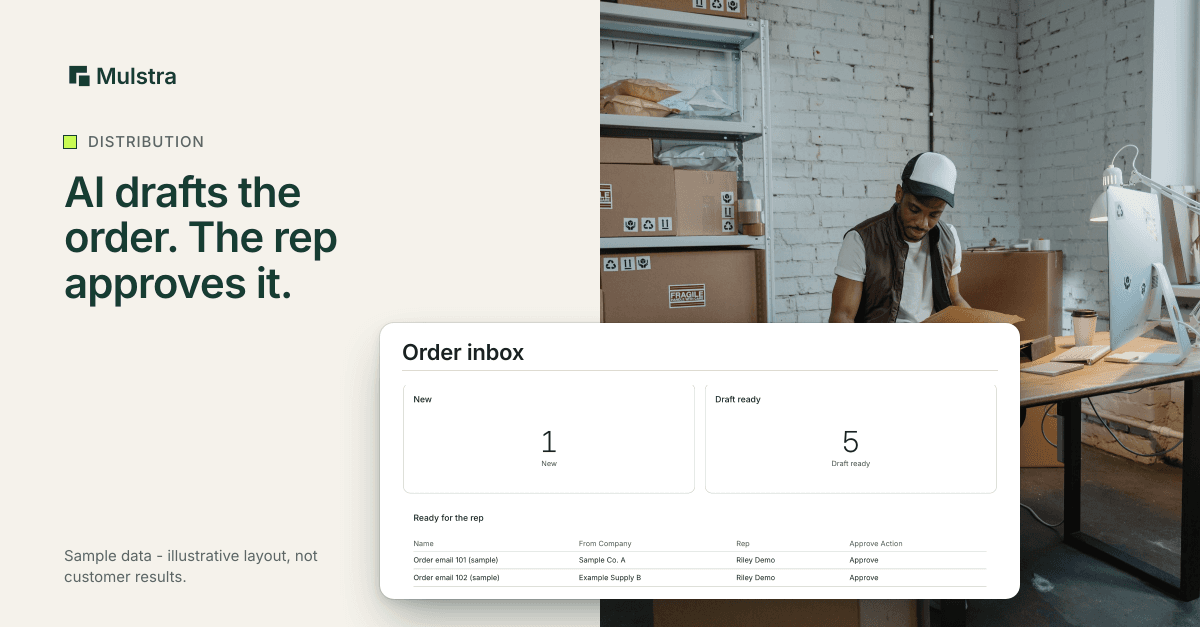
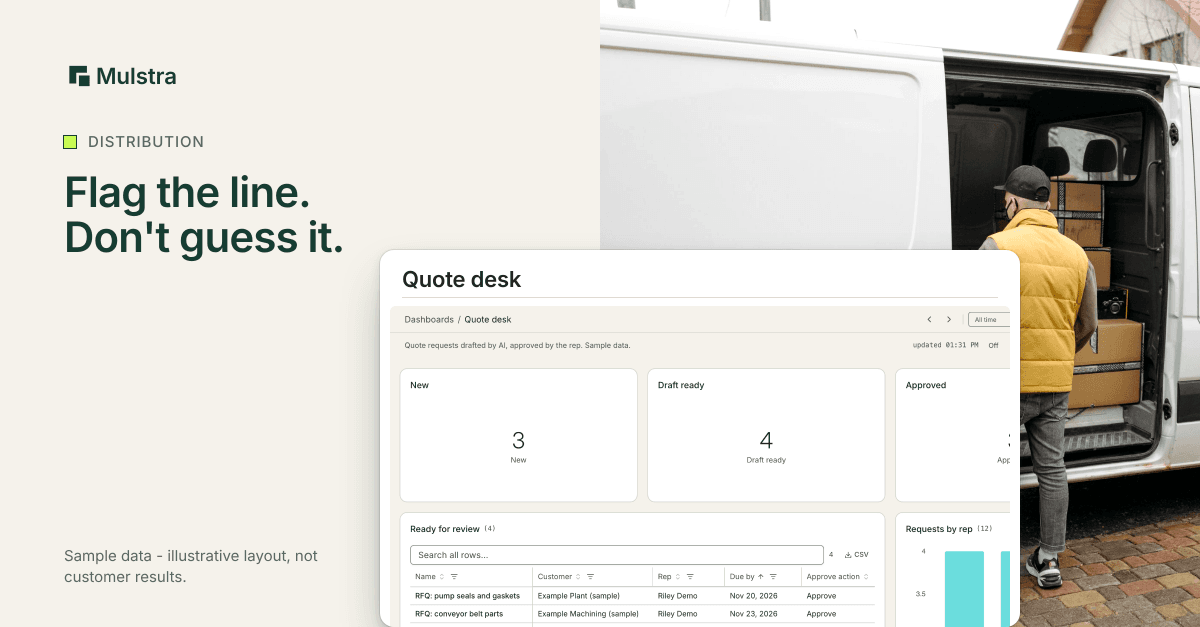
Each request becomes a record with the customer, the requested lines and the due date. A workflow runs when the record is created. AI drafts the quote against your list and writes the questions for anything unclear. The record moves to Draft ready.
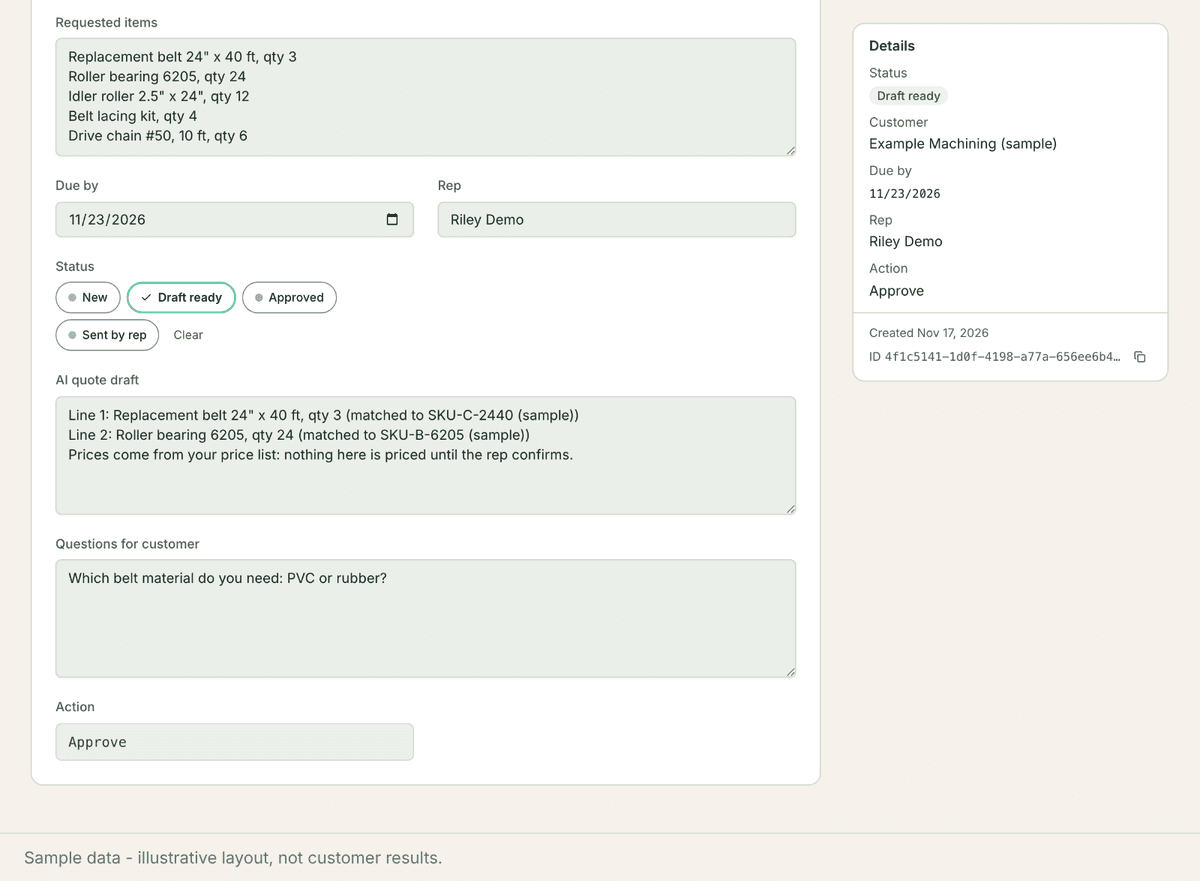
The rep opens the quote desk, reads the questions, sets the prices and clicks Approve. The customer only hears from a person.
How Do I Build the Flagging Step Myself With AI?
You need four pieces:
A request table with the customer, the raw request text, the due date and a status.
Your item list in a form the AI can read.
A prompt that turns the request into clean lines, matches each one to an item or writes "no match" with the reason, and never invents a price or a part.
An approval a rep gives before anything goes to the customer.
Test it on last month's requests. Count the lines it flagged that a rep would also have stopped on, and the lines it matched that a rep would have changed. Fix the prompt where those differ before anyone relies on it.
Common Questions
Should the AI ever choose a substitute part on its own?
No. It can suggest a match and say why, but the rep accepts or rejects it. A silent substitution is the error a quote desk exists to prevent.
Does the draft send itself to the customer?
No. In Mulstra the workflow writes the draft onto the record and waits. The customer hears from a person, from that person's own email.
What if my item list is a messy spreadsheet?
Import it first. Mulstra brings in a spreadsheet of up to 5,000 rows at a time, and cleaning the names customers use is a good first week of work.
Start With a Free Diagnosis
If requests wait in inboxes at your company, start with a free diagnosis. We look at where requests arrive, what your reps retype and which tools you already pay for can carry the draft step, then install what is missing and keep it running. More for distributors and fabricators: Mulstra for manufacturing. Book a free diagnosis. In person in Charleston, a 20-minute call anywhere else.