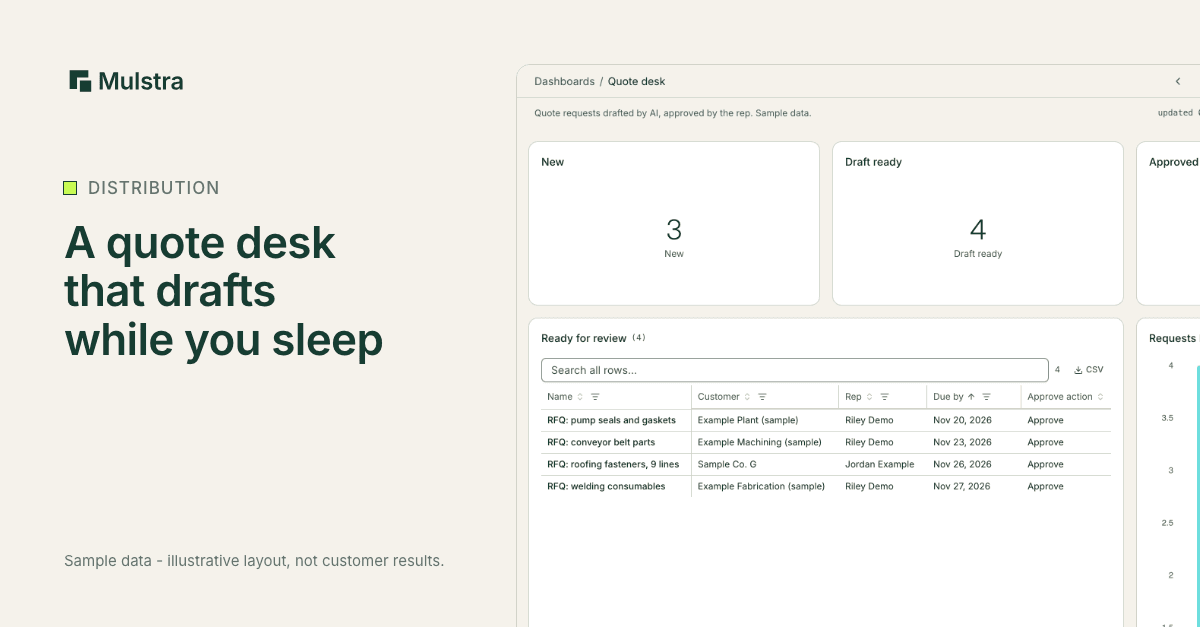
Where Does a Distributor's Quote Time Actually Go?
Ask an inside sales team where quote time goes and the answer is rarely pricing. It goes to reading a request, finding each part, checking what is in stock and typing it all into the system. The hard judgment, the price, takes minutes. The retyping takes the day.
What Did Fastenal Describe?
On the company's Oct. 14 earnings call, Fastenal president and CEO Jeff Watts described newer tools that combine AI with Fastenal's own systems. Distribution Strategy Group reported on October 20, 2026 that they can cut a sourcing and quoting process "from five or six days to about 15 minutes."
The article is careful, and so are we: Watts gave it as one example of branch efficiency, not an average across all quotes. The useful part is the shape of the work, which a 50 person distributor can copy without Fastenal's engineering team.
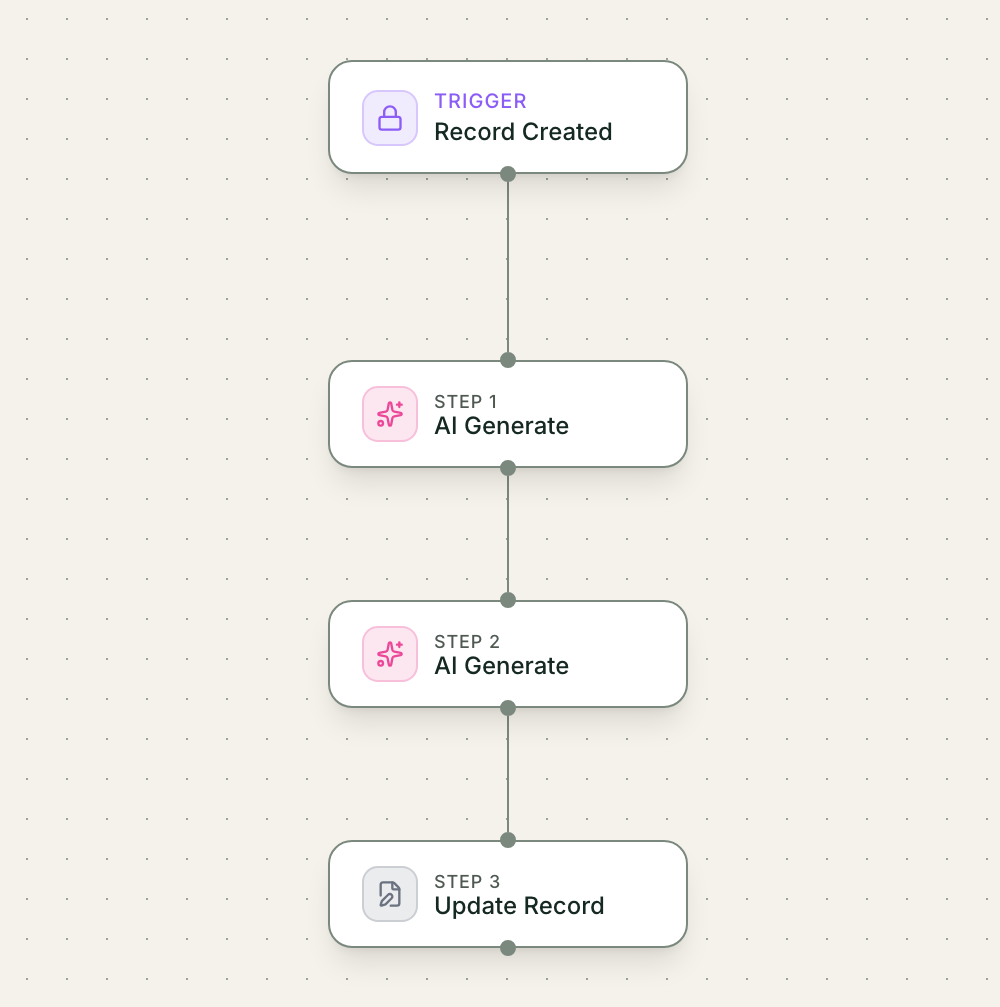
- Trigger: A request becomes a record with lines
- AI step: AI drafts the quote against your items
- Action: The record moves to Draft ready
- Approval: A rep checks, sets prices, clicks Approve
- Result: The customer hears from a person
What Would a Diagnosis Look at First?
The large consulting firms publish use cases like this one and then sell the assessment. Ours starts on site, with five questions:
Where do requests arrive? Email, a portal, a phone call, a rep's cell phone. Every channel that is not captured is a request that can be lost.
Which lines need a lookup and which need judgment? Most lines on a typical request are lookups. The few that need a substitution or a technical call are where a rep's time belongs.
Who sets the price and who approves? The draft step must never decide price on its own.
What do you measure today? If nobody records when a request arrived and when the quote went out, the first job is to start.
What breaks when a rep is out? If the answer is "their inbox," the requests need to live somewhere the team can see.
What Does This Look Like in Mulstra?
Here is the same setup, built in Mulstra with sample data.
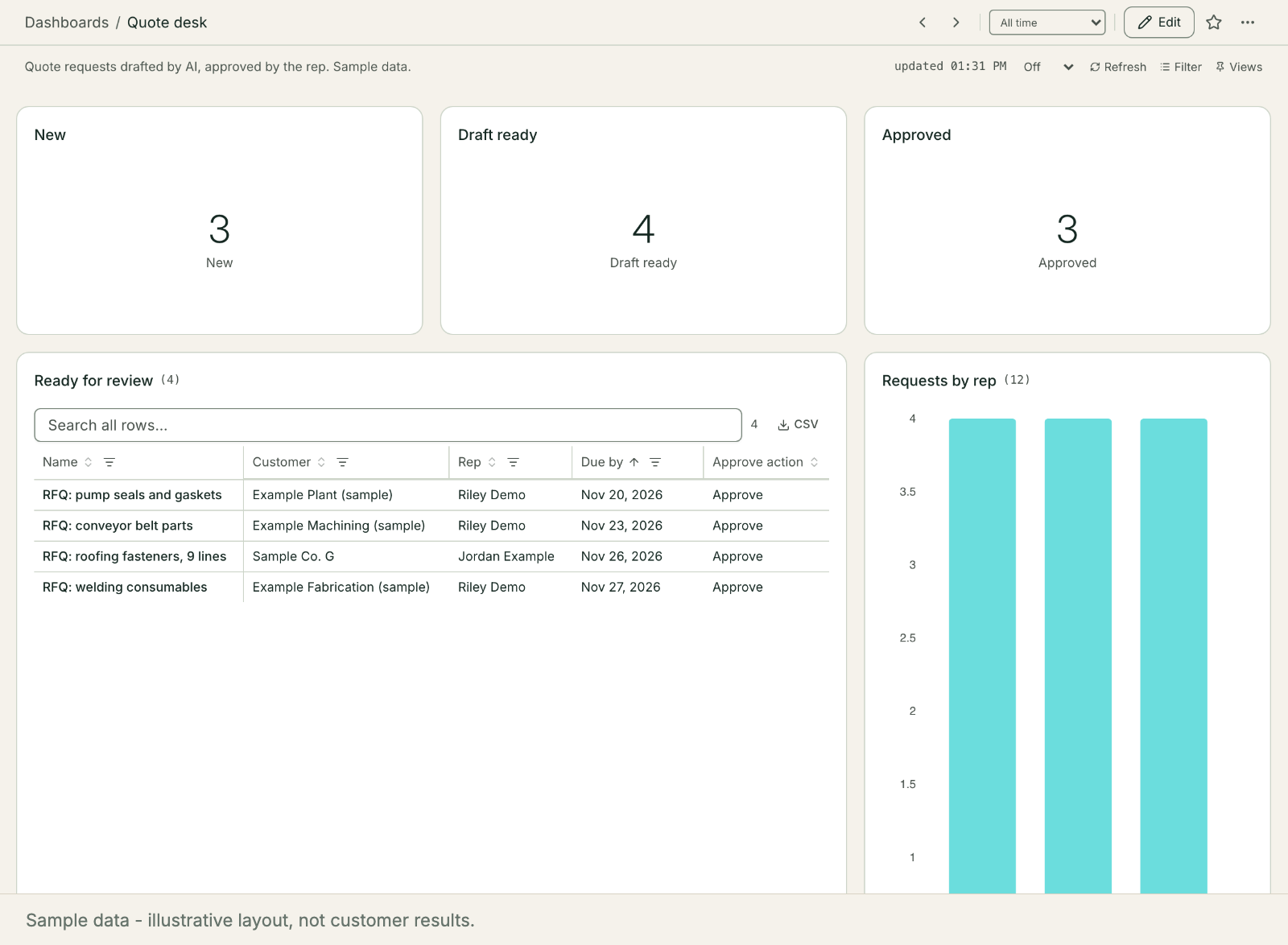
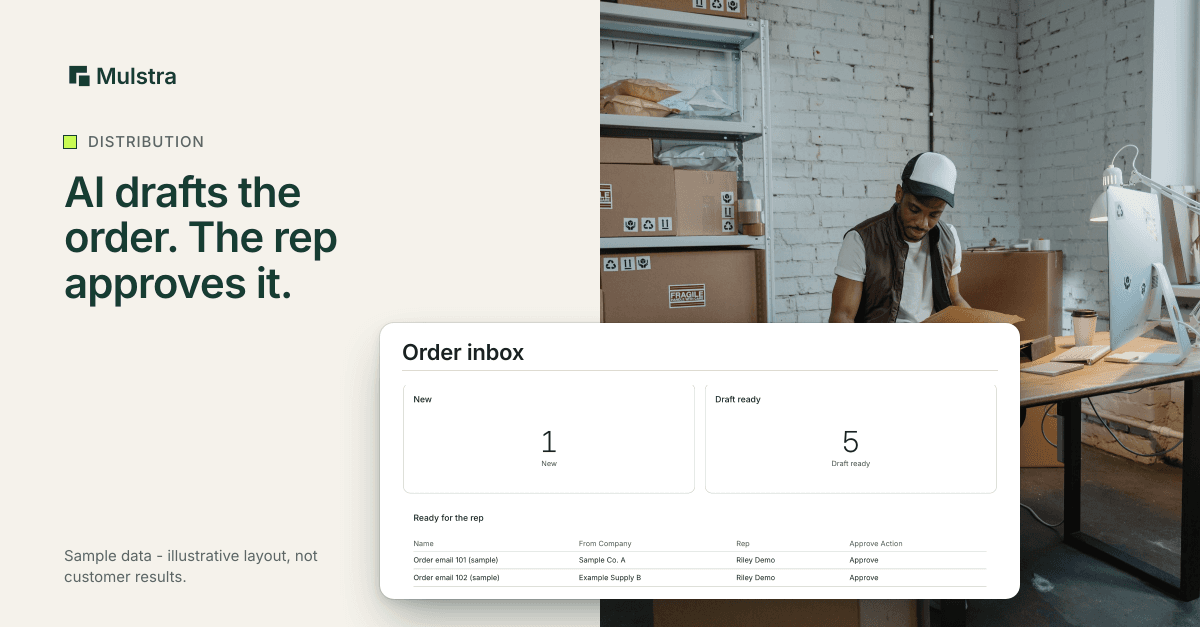
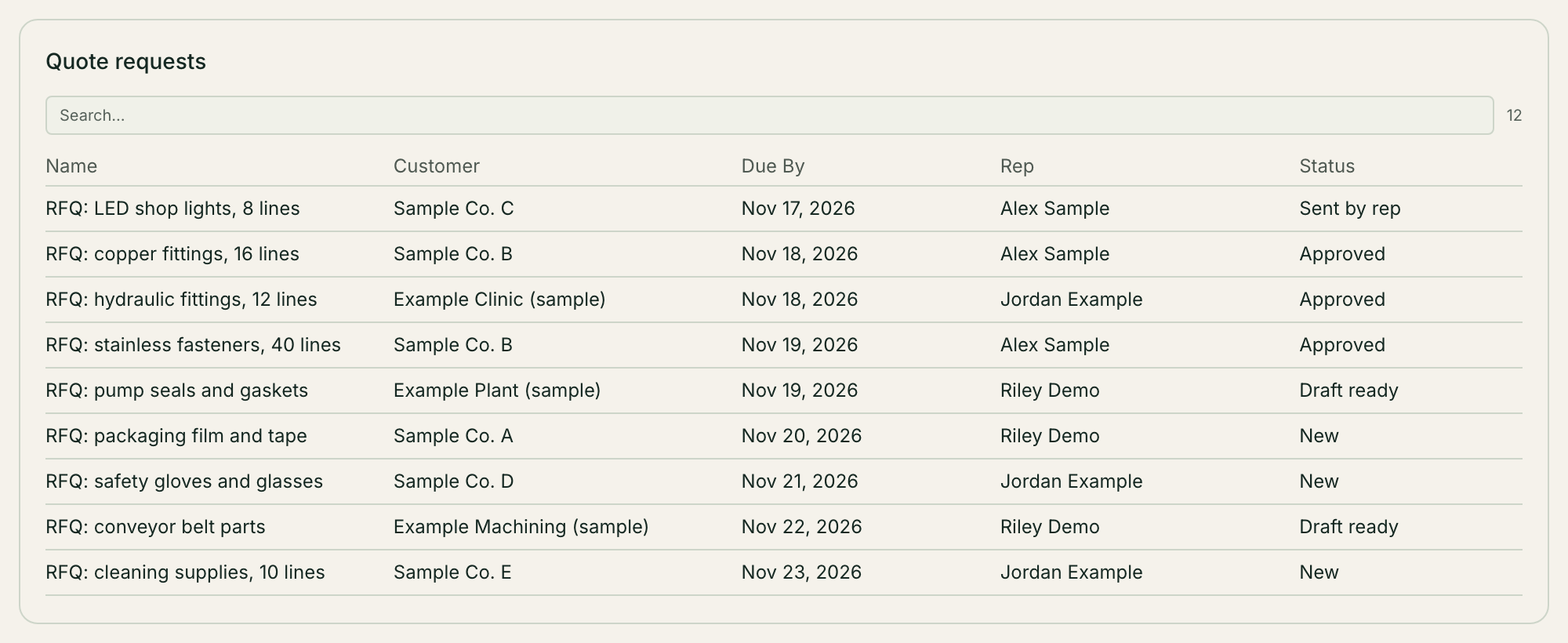
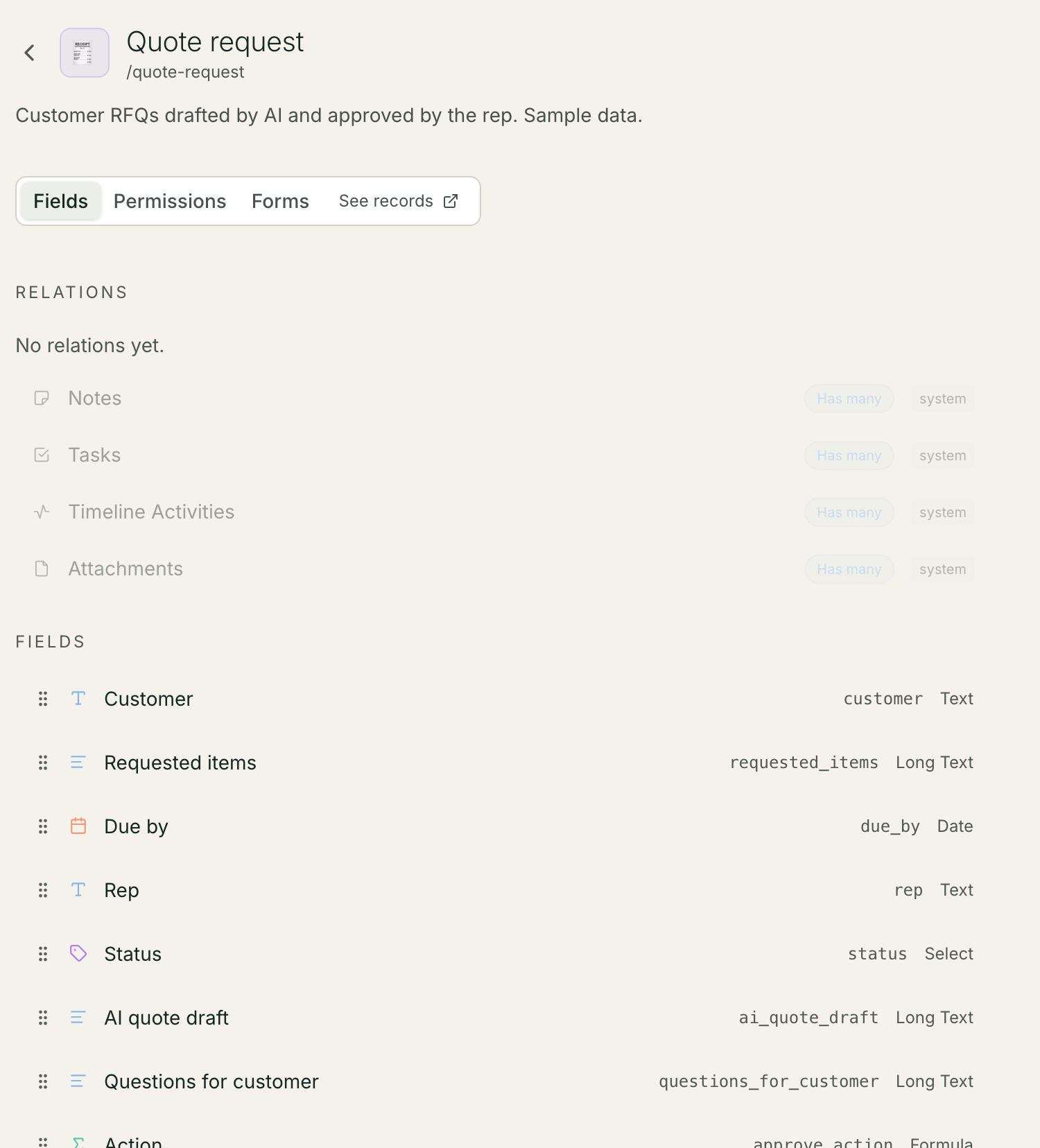
Each request becomes a record with the customer, the requested lines and the due date. A workflow runs when it is created. AI reads the lines, drafts the quote against what you carry and writes a short list of questions for anything unclear. The record moves to Draft ready.
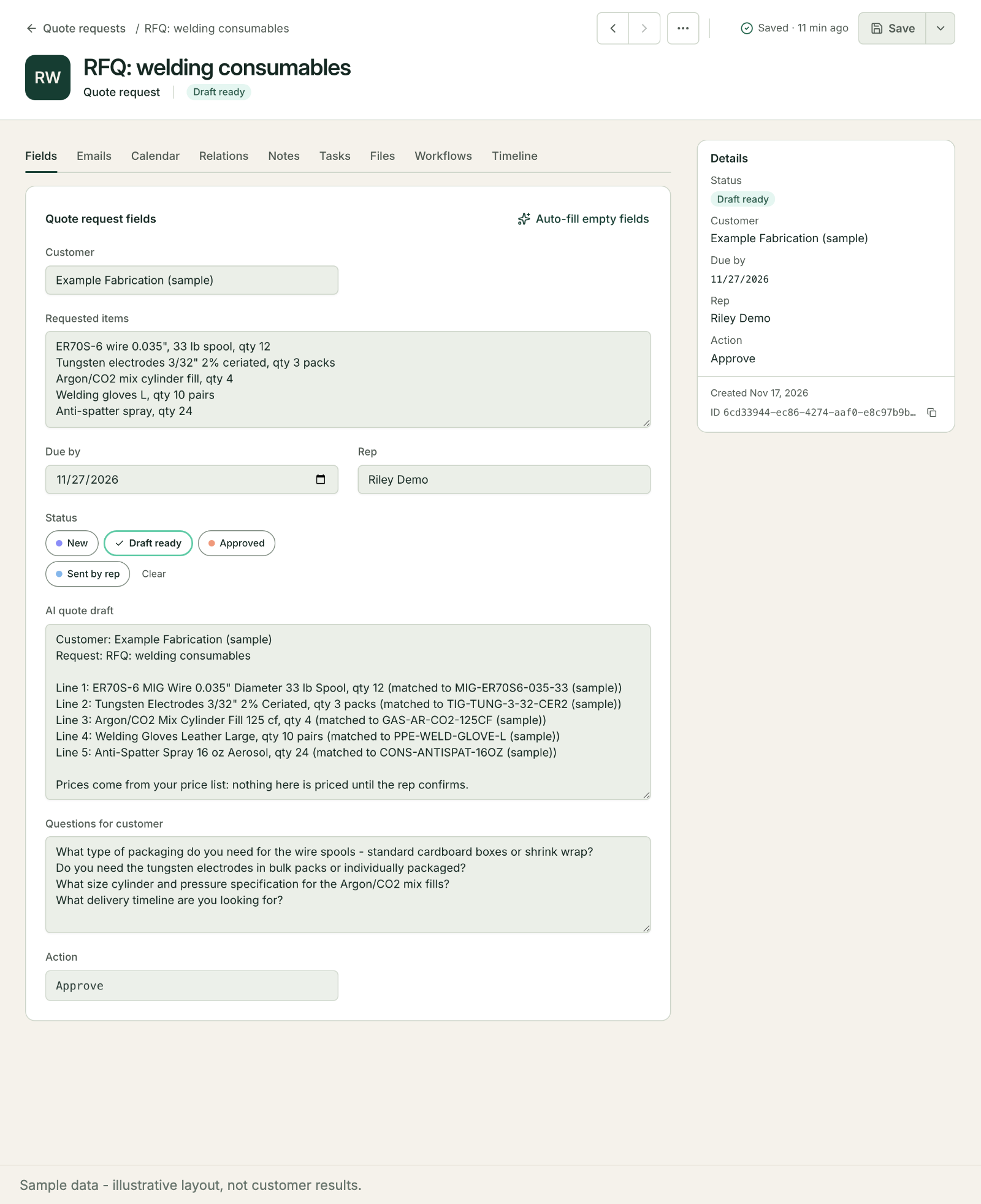
The rep opens the quote desk, checks the draft, sets the prices and clicks Approve. The customer only hears from a person.
What Should the Draft Never Do?
A quote leaves your company with your name on it, so the draft step needs firm limits. Write them down before you build anything:
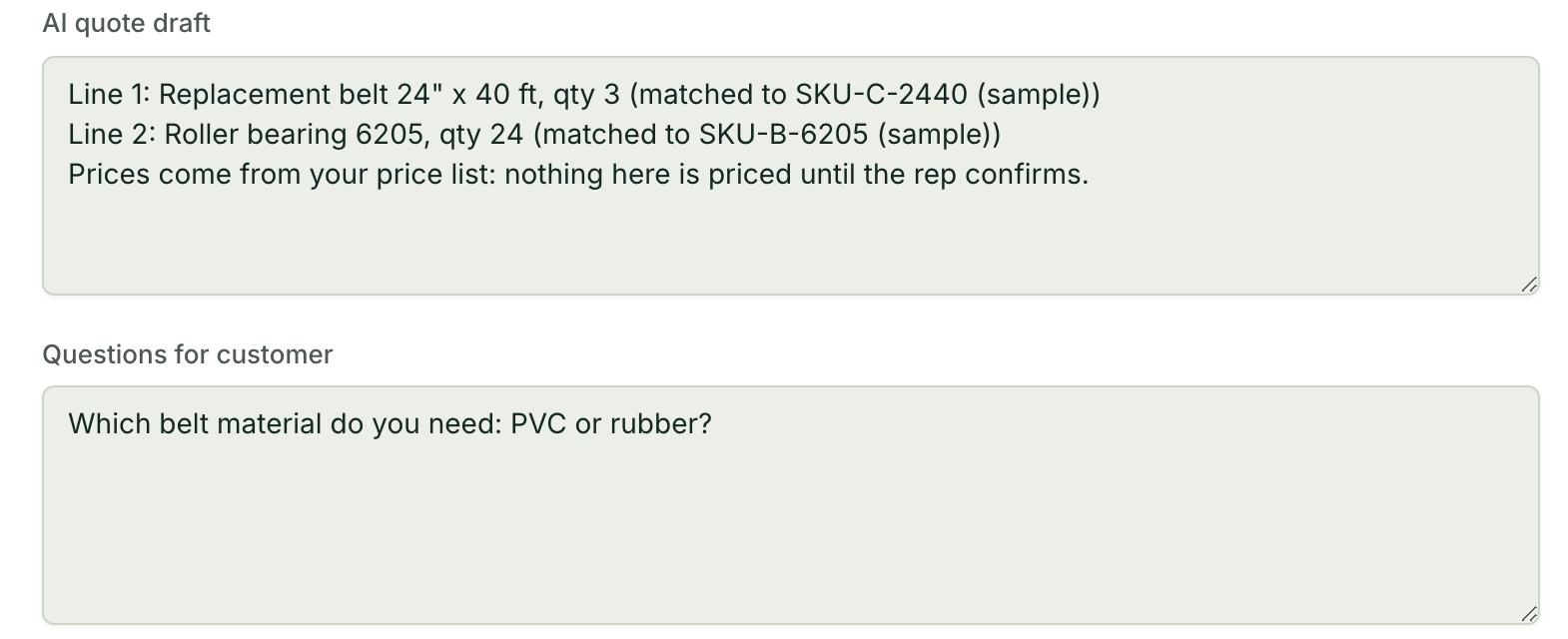
It never sets a price. It can show the last price a customer paid, labeled as such, and leave the number to the rep.
It never substitutes silently. If a requested part is not on your list, the draft says so and suggests a match for the rep to accept or reject.
It never sends. The draft goes to a person. The customer hears from a rep, from the rep's own email.
It says what it could not read. A blurry part number or a missing quantity becomes a question, not a guess.
These limits are what let a rep trust the draft enough to use it, instead of checking every line twice.
Can I Build the Draft Step Myself With AI?
Yes. You need:
A request table with the customer, the raw request text, the due date and a status.
Your item list in a form the AI can read: part numbers, descriptions and common names.
A prompt that turns the raw request into clean lines, matches each to an item or marks it unclear, and never invents a price.
An approval a rep has to give before anything goes to the customer.
Start with last month's requests. Compare the drafts to the quotes your reps actually sent, and fix the prompt where they differ.
Start With a Free Diagnosis
If quotes wait in inboxes at your company, start with a free diagnosis. We look at where requests arrive, what your reps retype and which of the tools you already pay for can carry the draft step, then install what is missing and keep it running. More for distributors and fabricators: Mulstra for manufacturing. Book a free diagnosis.