A change order gets lost the same way most times. The work changes on site, someone agrees out loud or by text, and nothing reaches the office before the invoice goes out.
The fix is a written record for every change: approved before the work starts, tied to the job it belongs to, and on the final invoice. This guide covers what a change order needs, where they go missing, and how to run a job from start to finish in one place.
What a Change Order Needs to Hold Up
A change order is a written agreement to change the scope, price or schedule of a job after the contract is signed. If you ever have to settle a dispute over one, it needs to show:
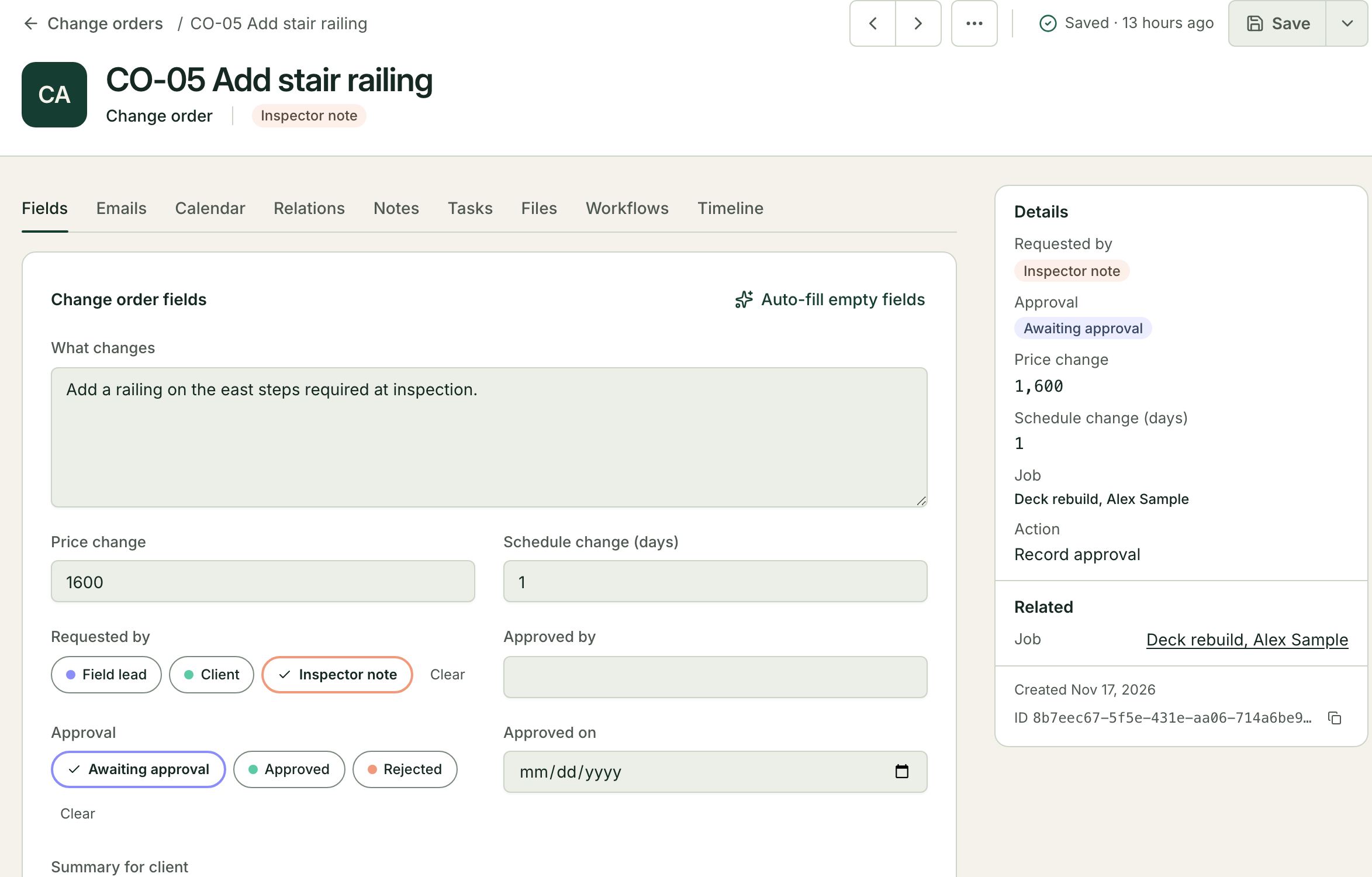
the job and the contract it changes;
what changes, in plain words, and where on site;
the price change, and how you got it (lump sum, or time and materials);
the schedule change in days, even when it is zero;
who asked for it, who approved it, and the date of each.
When one of these is missing, the talk at the final invoice is about who remembers what.
Where Change Orders Get Lost
Most go missing between the field and the office:
The approval is a text on the superintendent's phone, and the office never sees it.
The crew starts the work before anyone writes it down, because they are already there.
The change is written up on a separate sheet that is not tied to the job, so it never reaches the invoice.
Two versions exist, and nobody knows which one the client agreed to.
Each has the same cause. The change order lives somewhere the invoice does not look.
Get Approval Before the Work
The rule that prevents the most disputes is the simplest: no work on a change until it is approved in writing. An email reply from the client counts. A phone call counts only once someone writes it up and sends it back the same day.
This only works when a change order is quick to send. If writing one up means a trip back to the office, the crew will do the work first and the paper will follow late, or never.
Run the Job as One Record, Start to Finish
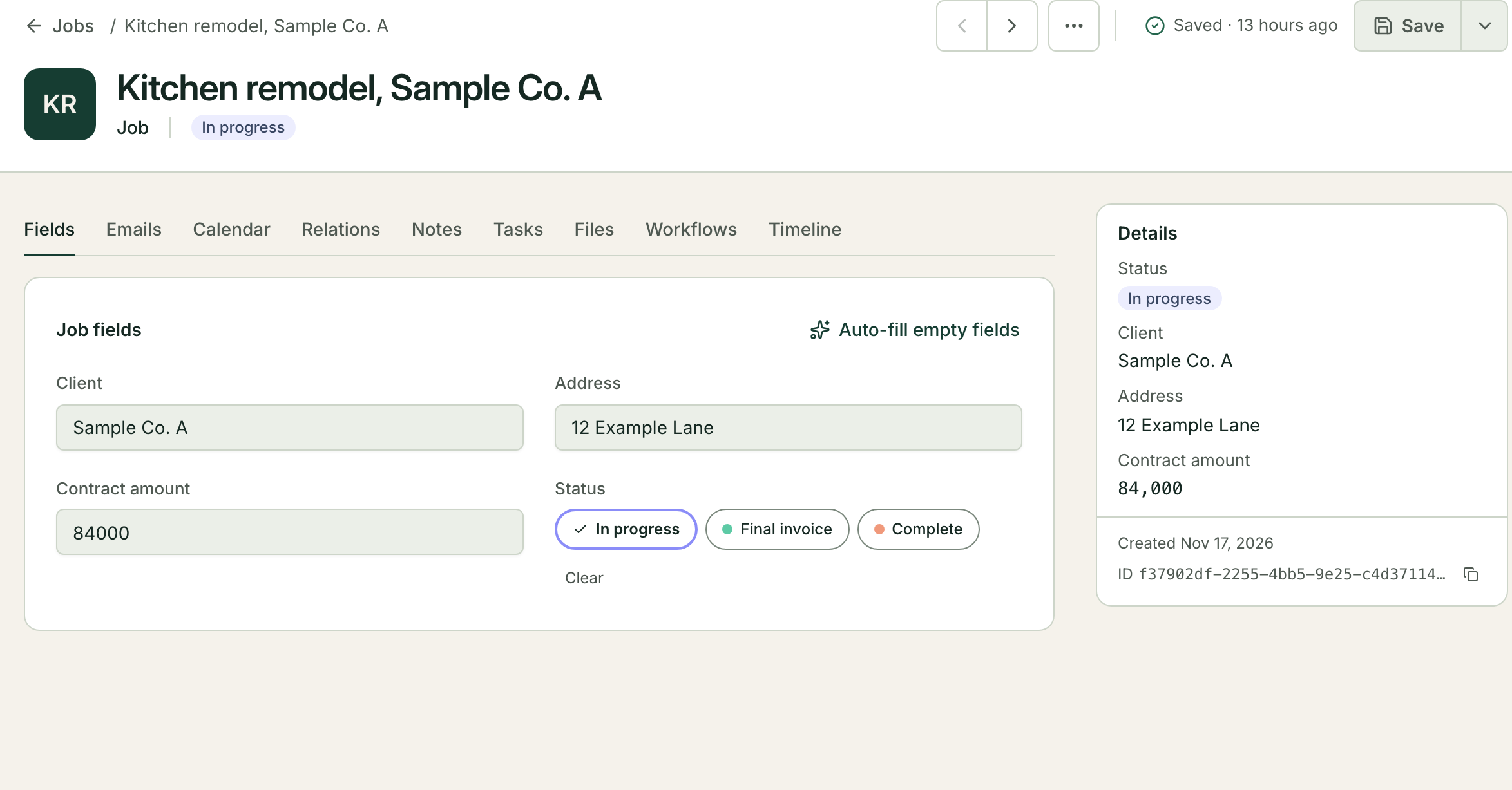
The fix that lasts is keeping the job, its change orders and its invoice in one place, linked to each other. In Mulstra that is a workspace set up around your own work:
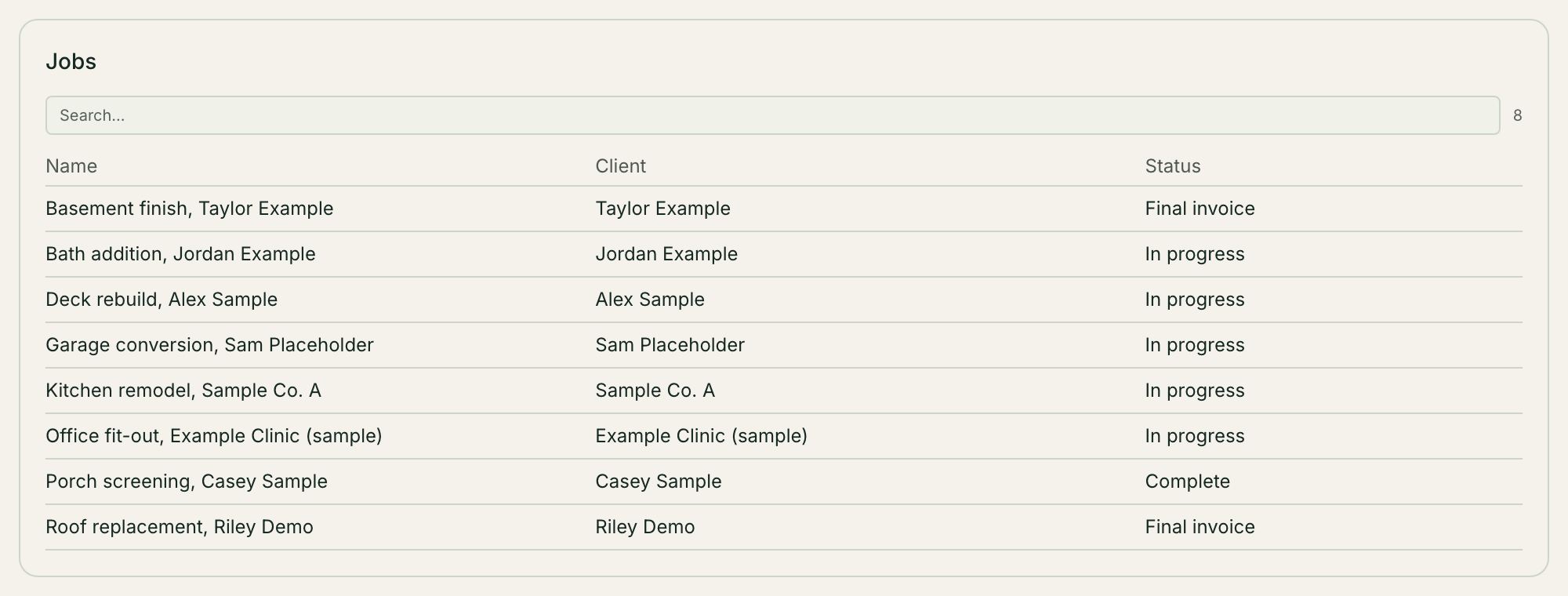
Jobs as records, with the client, address, contract amount and status.
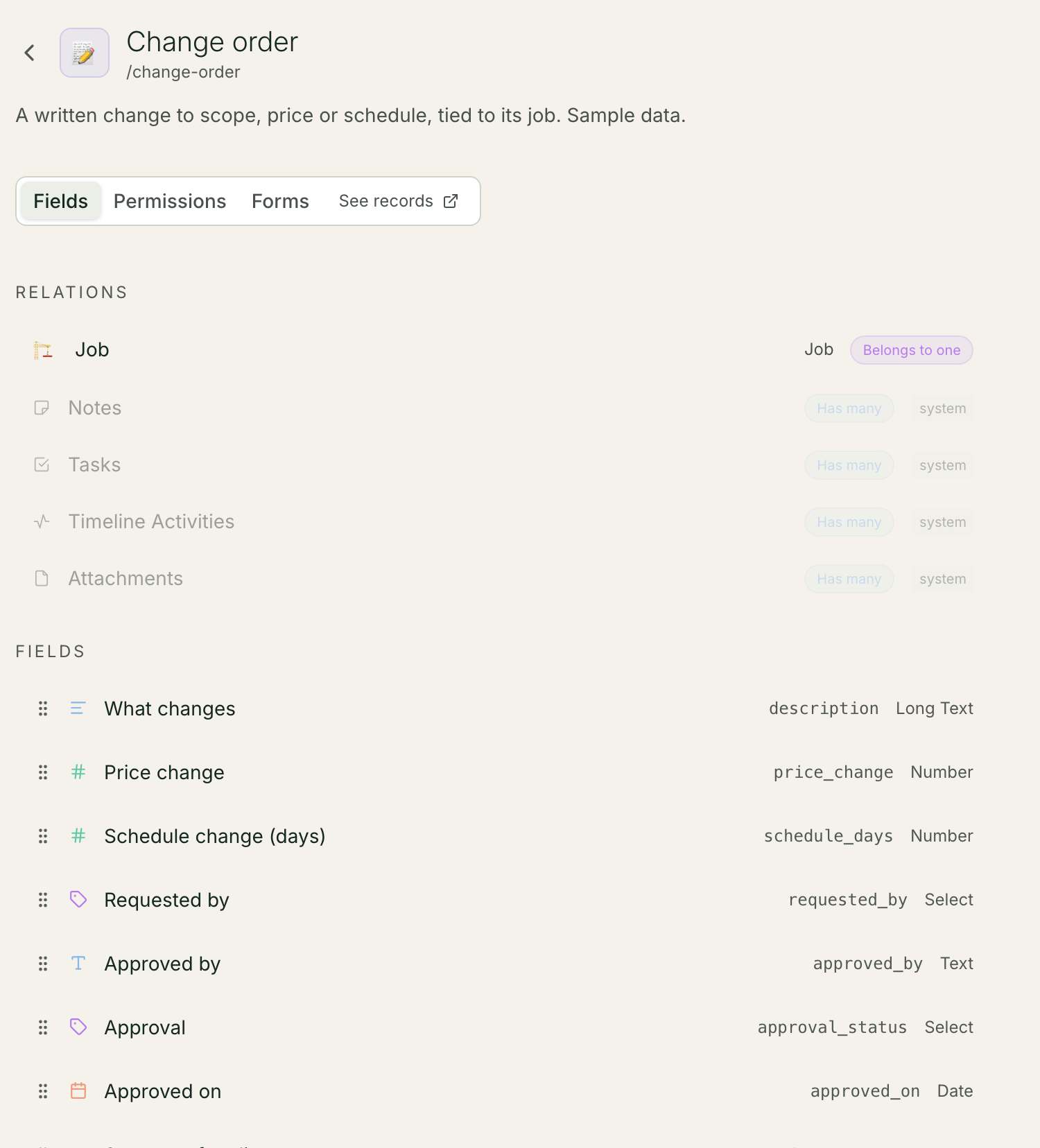
Change orders as their own records, each linked to its job, with the fields above and an approval status.
A form the field lead fills in from a phone, which creates the change order record.
A workflow that runs when a change order is created and emails the client a summary with a PDF of the change to approve.
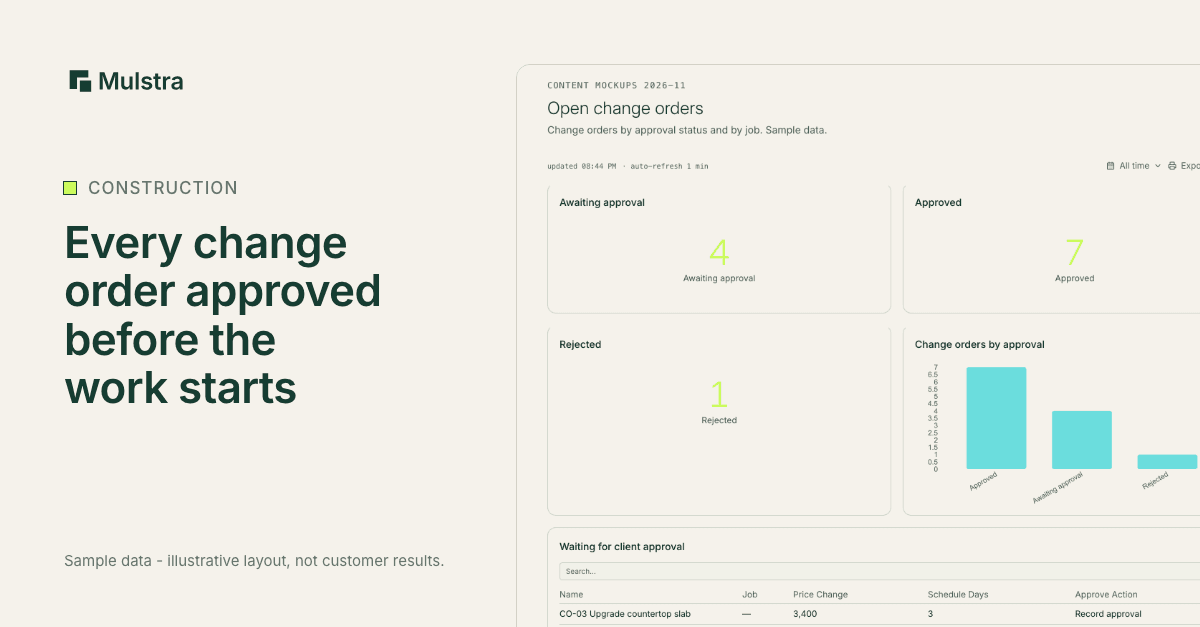
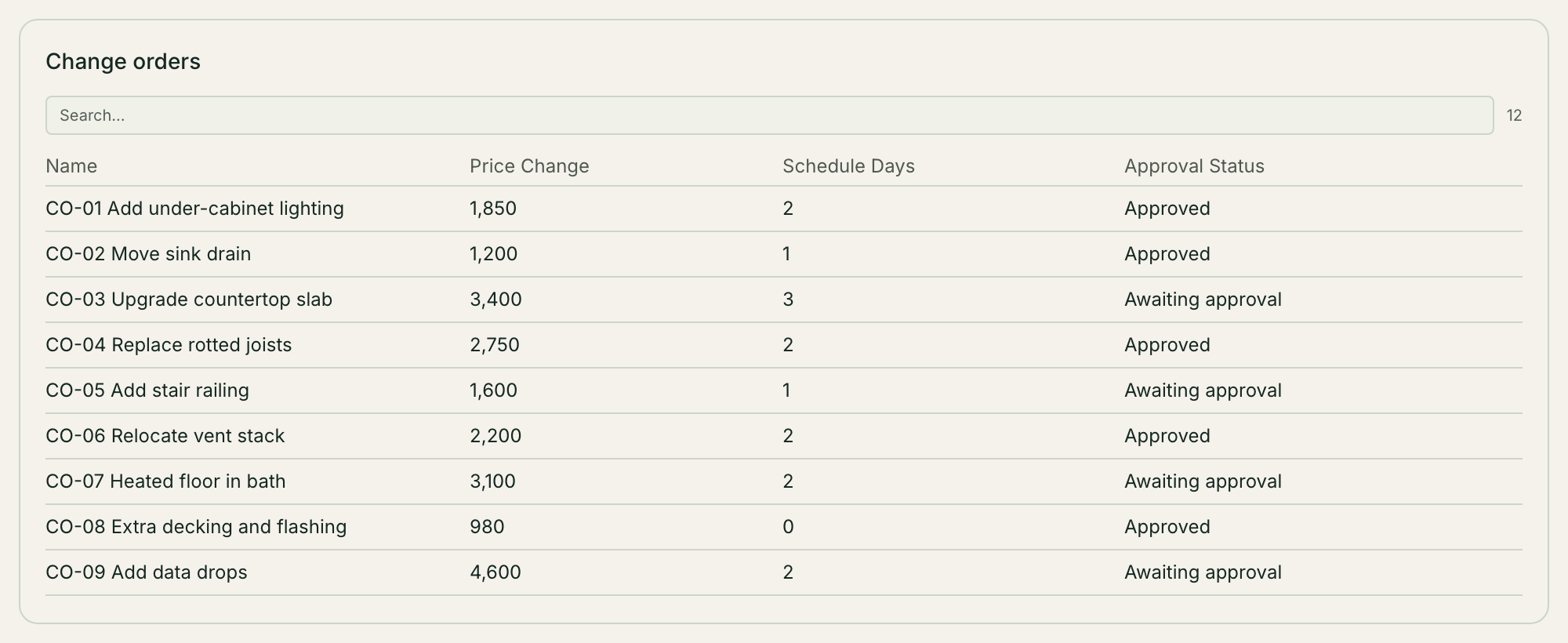
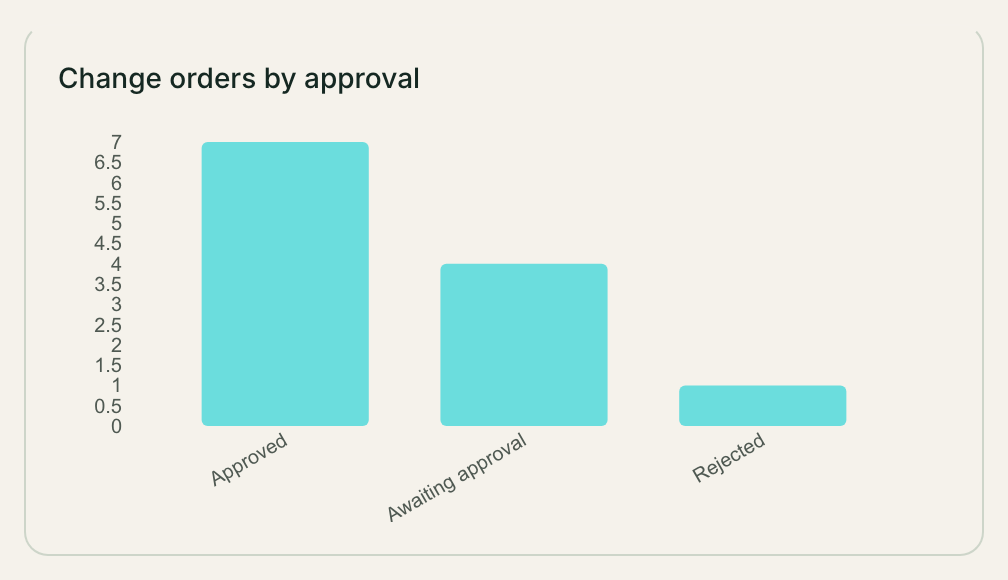
A dashboard of open changes per job, so nothing approved is left off an invoice and nothing unapproved gets built.
Each of these parts exists in Mulstra today. Which fields you need and who sees what depends on your business, so the setup starts from your own jobs, not a template.
- Trigger: A field lead fills a phone form
- Action: The form creates a linked change order
- Action: A workflow emails the client a summary
- Approval: The client approves in writing
- Result: The invoice adds every approved change order
Who Should See What
A field lead needs to create change orders and see the jobs they run. The office needs every job and every price. Not everyone needs the margins.
Mulstra handles this with roles: owner, admin and member, plus custom roles you define. Read, edit and delete rights are set per kind of record, and a member can be limited to only their own rows.
Close the Loop on the Invoice
At the end of a job, the invoice is the contract amount plus every approved change order, and nothing else. When change orders are linked to the job, that is a list on the job, not a search through old texts. Before the invoice goes out, check that:
every change order on the job is approved or rejected, with none left open;
the approved total matches the invoice;
the client has the PDF of each approved change.
Book a Free Diagnosis
If your change orders live in texts and notebooks, a Strategist will meet you, in person in Charleston or on a 20-minute call anywhere else, map how a job moves from estimate to invoice today, and show you what we would build around the tools you already pay for. The diagnosis is free. We talk about price only after it.