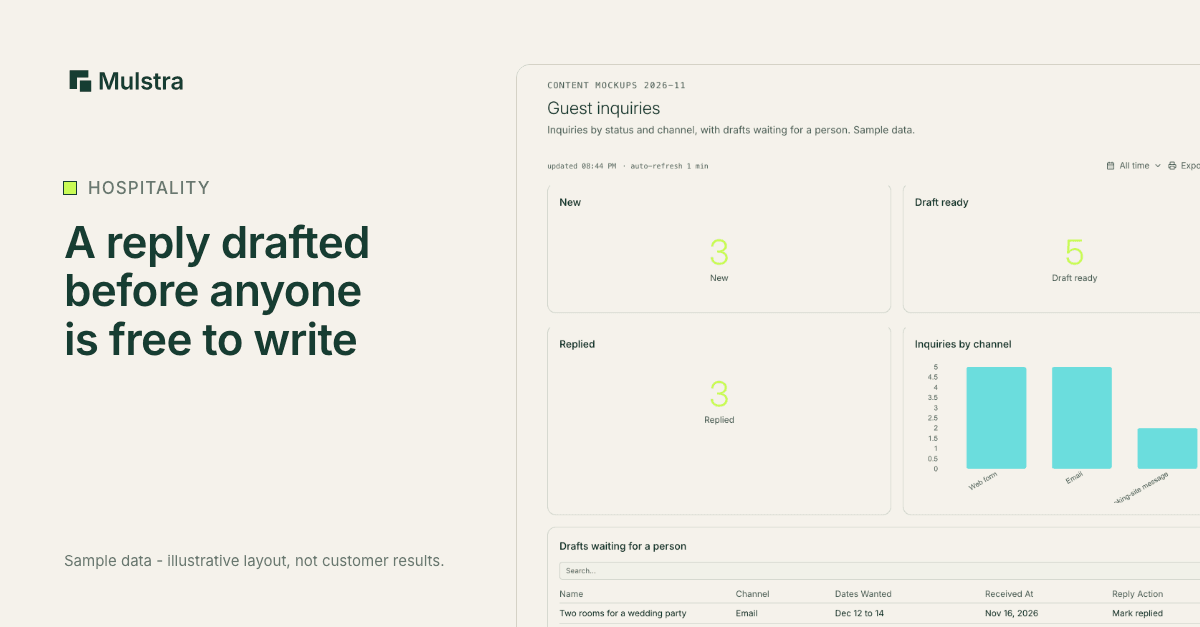
A guest planning a Charleston weekend often writes to several places at once. The first useful answer has a head start, so the goal is a real reply within the hour, evenings included.
The way to get there is to have the reply started before anyone is free to write it. This guide covers how to measure your inquiry response time, what a good first reply holds, and which parts can run on their own.
Measure Your Inquiry Response Time First
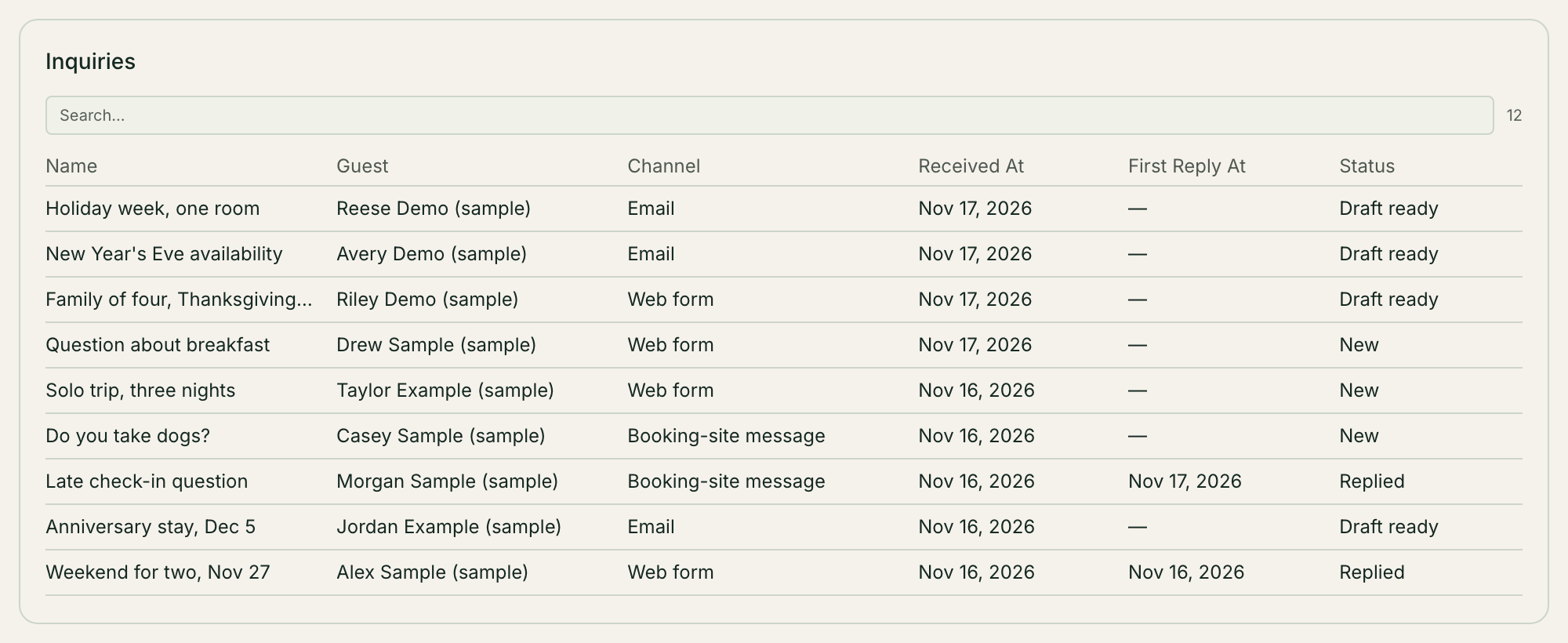
Before you change anything, find out where you are. Take your last 20 inquiries from email and your website form. For each one, write down when it arrived and when the first reply that answered the question went out. Then look at three things:
the middle time, with half your replies faster and half slower;
your five slowest replies;
when those slow ones arrived, such as evenings, weekends or check-in hours.
That is your own baseline. It tells you more than any industry average, because it is about your guests and your hours.
What a Good First Reply Holds
Whether their dates are open.
The price for those dates, with taxes and fees shown the way your booking page shows them.
The next step: a link to book, or what to send you.
An answer to the question they asked.
The name of a person.
A reply that only says "we'll get back to you" does not count toward your response time. The guest still has no answer.
Send an Acknowledgment Right Away
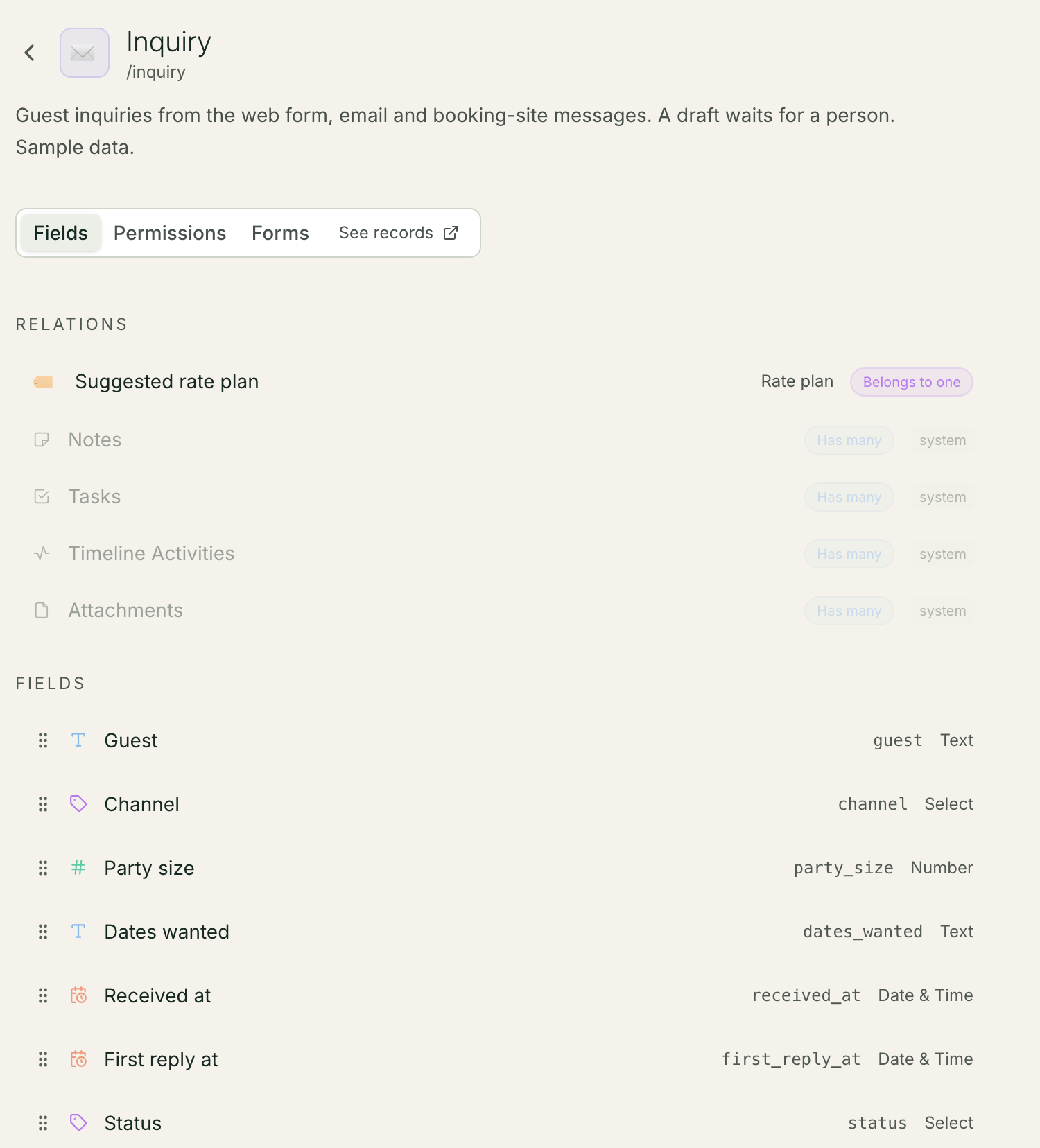
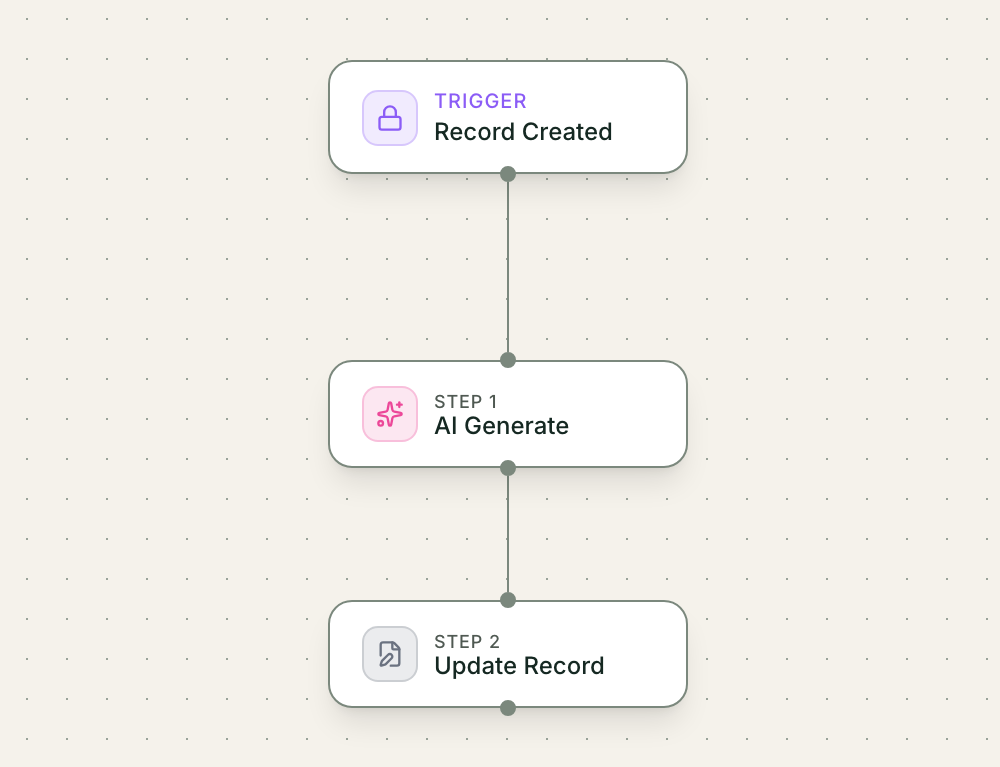
An inquiry form on your website can create a record the moment a guest submits it. In Mulstra, a workflow that runs on that new record can email the guest straight away: we have your message, and here is when a person will reply.
Keep that email short and honest. It is a receipt, so do not dress it up as a personal answer.
Have a Draft Waiting for a Person
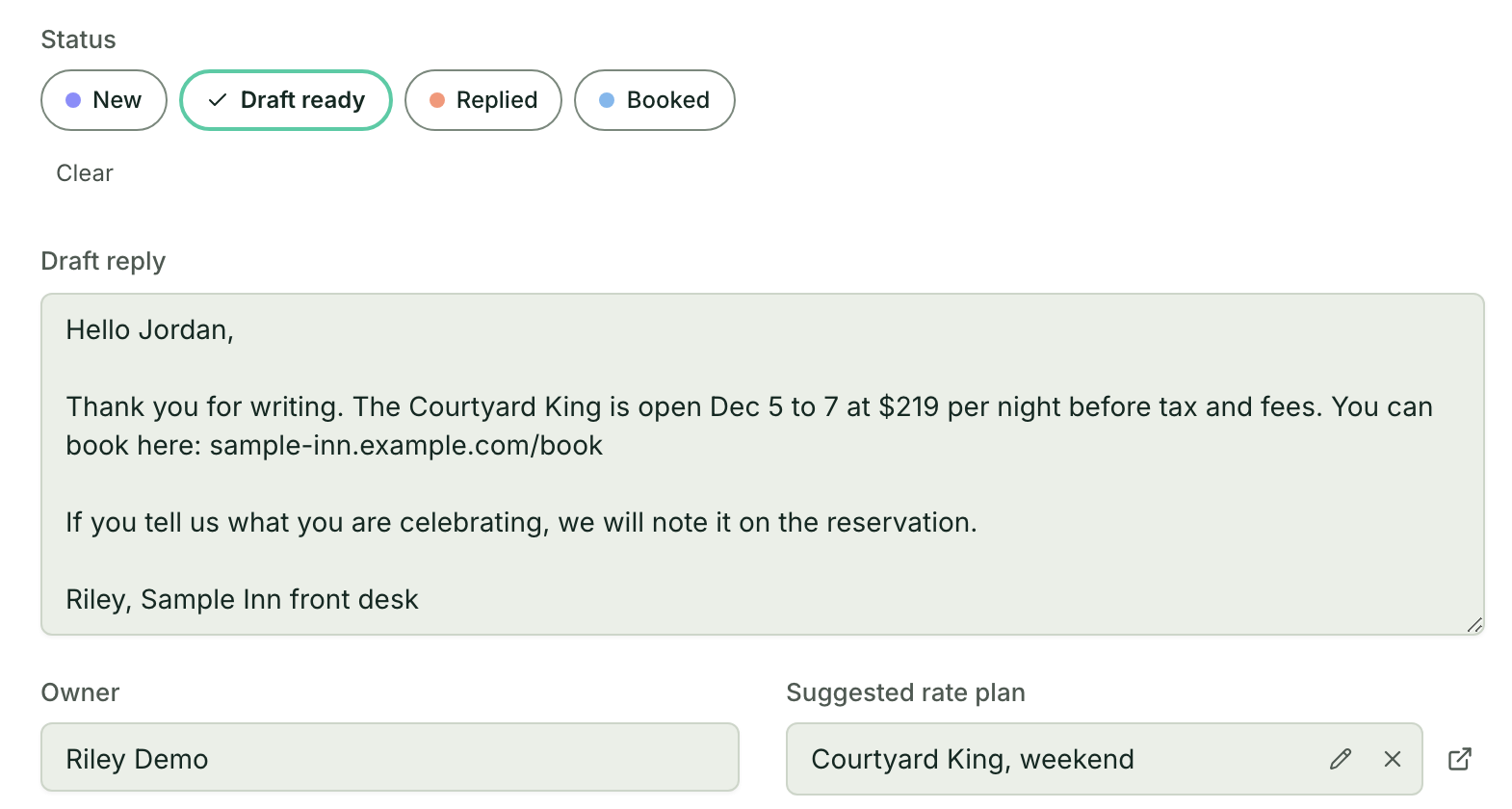
The slow part is writing the reply. A Mulstra workflow can ask an AI model to draft one from the guest's message, look up your rates and open dates in your own records to put in it, and save the draft on the inquiry record.
- Trigger: A guest inquiry becomes a record
- AI step: AI drafts a reply from the message
- Action: It adds your rates and open dates
- Approval: A person reads, fixes and sends it
- Result: The guest gets a real answer sooner
A person on your team reads the draft, fixes what is wrong and sends it. The guest gets a real answer sooner, and nothing goes out that a person has not read.
Few in the trade are doing this yet. In the Census Bureau's Business Trends and Outlook Survey, 11% of hotel and restaurant businesses said they used AI in the two weeks of October 5 to 18, 2026.
Bring Email and Forms to One Place
Inquiries that arrive in three inboxes get answered late from at least one. A Mulstra workspace can receive email into a shared inbox, threaded by conversation, beside the inquiries your website form creates.
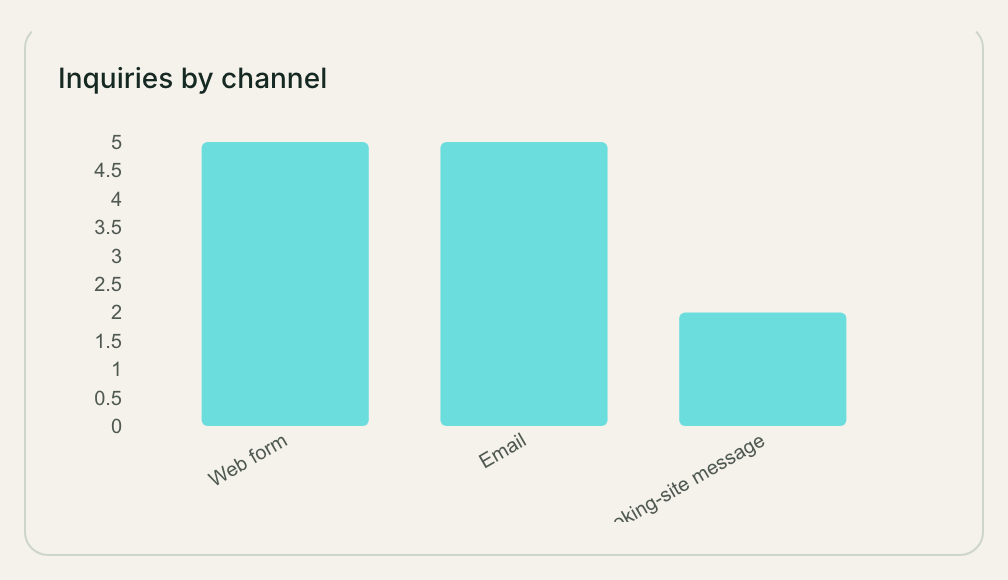
Messages inside a booking site's own app are a separate channel with their own rules. Decide who checks them, and how often, so they do not wait for whoever happens to look.
Keep Guest Details to the People Who Need Them
Your front desk needs inquiries and bookings. It does not need your payroll or your owner reports. In Mulstra, roles set who can read and edit each kind of record, and the assistant sees only what the person asking it is allowed to see.
Book a Free Diagnosis
If guest inquiries wait on whoever is free, a Strategist will meet you, in person in Charleston or on a 20-minute call anywhere else, map how inquiries reach you today and who answers them, and show you what we would build around the tools you already pay for. The diagnosis is free.